
Key facts
- Manuals
- 4
- Languages
- JA
- Last added
- 2011-10-29
Featured AG manuals
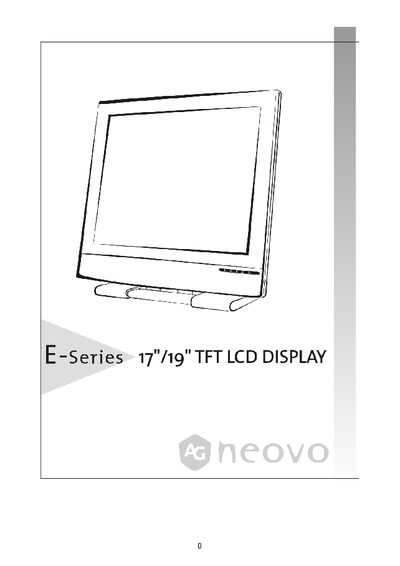
E-series TFT Display User Manual
This manual provides step‑by‑step instructions for installing, connecting, and using the E-series TFT LCD display. It includes safety precautions, power connection guidelines, and detailed explanations of the control buttons and on‑screen display (OSD) functions.
Additional sections cover tilt adjustment, tabletop lock, wall‑mounting, transport handling, and routine maintenance. Certification information such as TCO'95 compliance is also included. This manual is written in Japanese.
Covers: Safety Precautions · Power Connection · Installation · Tilt Adjustment · Tabletop Lock · Wall Mounting
Latest AG manuals
E-series TFT Display User Manual
User Manual 17 pages · 638 KB · JAJapanese user manual for the E-series 7"719" TFT LCD display covering installation, operation, and maintenance.
AG neovo M series 19 LCD Manual(1)
AG neovo M series 19 LCD Manual(1)(1)
AG neovo K-19 display Manual
Which document do I need?
User Manual
Day-to-day operation, settings and troubleshooting. Start here if the product is already set up.
Questions answered in AG manuals
How do I adjust the tilt angle of the display?
The display can be tilted within the "ーー>5" range; grip the top of the screen with both hands and move it to the desired angle.
What are the requirements for connecting the power supply?
Use a power cord with an appropriate voltage, connect it to a nearby outlet, and avoid placing any objects on the power cord.