
This is a manual for PX130CK1A digital piano, which introduces how to connect and use the functions of this product, including sound selection, effect use, metronome use, piano duet play, built-in music playback, recording and playback, keyboard setting configuration, etc.
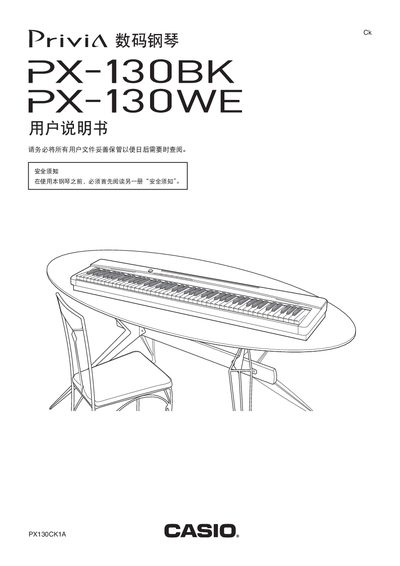
This manual covers the physical layout of the PX-130BK/PX-130WE, including the 88‑key keyboard with touch response, power requirements, and recommended accessories. Detailed sections explain how to connect headphones, audio equipment, and optional pedals, as well as how to use the built‑in tones, effects, metronome, and song library.
Additional chapters describe how to record and playback performances, adjust parameters such as brightness and reverb, and perform basic troubleshooting. Safety warnings and power‑supply specifications are also included to ensure reliable operation. This manual is written in Chinese.
| Keyboard | 88 keys with touch response |
|---|---|
| Maximum Polyphony | 128 notes |
| Tone Count | 16 tones |
| Dimensions | 132.2 mm × 28.6 mm × 13.5 mm |
| Weight | ≈11.2 kg |
| USB Port | B‑type connector |
Insert the headphones fully into the PHONES jack; this will mute the internal speakers.