
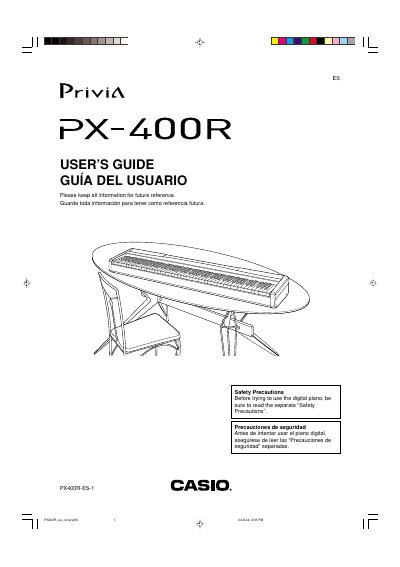
This user's guide for the Casio PX400R digital piano begins with safety precautions, an FCC notice, and power supply information. It then explains connections, tone selection, rhythms, auto accompaniment, registration memory, built-in tunes, recording, MIDI, and memory card use.
The guide also includes a general guide to buttons and terminals, troubleshooting, specifications, and an appendix with tone, rhythm, song, drum assignment, and fingered chord lists. It notes that the piano can be powered from a standard household outlet using the specified AD-12 AC adaptor.
| AC adaptor | AD-12 |
|---|---|
| DC input jack | DC 12V |
| Power source | standard household power outlet |
Use only the specified CASIO AD-12 adaptor.
Insert the score stand into the slot at the top of the digital piano.
Certain settings and memory contents are retained even when the piano is turned off.