
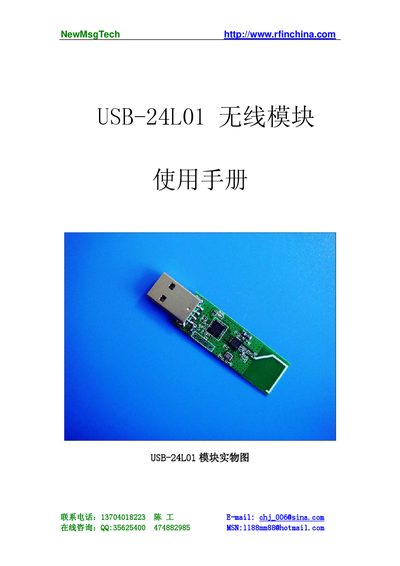
The USB-24L01 is a USB‑interface wireless data‑transfer module that uses the nRF24L01 RF chip in the 2.4 GHz ISM band. It offers a 2 Mbps data rate, low power consumption, and built‑in CRC for reliable communication between PCs and other devices.\n\nThe manual describes how to set up the PC programming environment, configure addresses and channels, and use the NetUSB library functions such as NetUSB_open, NetUSB_writeData, and NetUSB_SetREF_CH for controlling the module from Windows applications. This manual is written in Chinese.
| Frequency band | 2.4 GHz ISM (global, license‑free) |
|---|---|
| Data rate | 2 Mbps (GFSK modulation) |
| Mode switch time | < 130 µs |
| Address width | 5 bytes |
| Payload size | 32 bytes per packet |
Call the NetUSB_open function with the device index, vendor ID and product ID to open the specified NetUSB device.
The default Tx address is {0x34, 0x43, 0x10, 0x10, 0xe7}.
Use the NetUSB_SetREF_CH function with an RF_CH value from 1 to 125 to select the channel.
Each data packet can carry up to 32 bytes of payload.