
IBM ThinkCentre A50 series desktop computers adopt Intel's latest Pentium 4 Hyper Threading technology processor and support dual-Channel memory and Serial ATA Hard Drives. It is the best choice for network operations, providing you with reliable connectivity. Leading-edge design and technology, basic building blocks and various device options to set up the architecture that meets your business needs. Simple and easy to use, get the technology you need at the most affordable price.
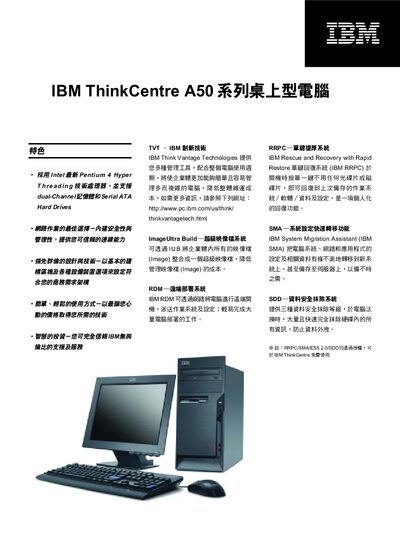
This manual covers the installation and configuration of the IBM ThinkCentre A50 desktop, including details on IBM Think Vantage management tools such as RDM, RRPC, SMA and SDD. It also explains warranty, security features, and supported operating systems.
The document lists the hardware specifications, including CPU options, memory capacity, storage options, graphics, audio, networking, USB ports, power supply, dimensions and weight, as well as expansion slot information. This manual is written in Chinese.
| CPU options | Intel Celeron 2.4, 2.53, 2.66, 2.8 GHz |
|---|---|
| Memory | 256 MB – 1 GB standard, up to 4 GB max |
| Chipset | Intel 865GV |
| Graphics | Intel Extreme Graphics 2, 64 MB VRAM, AGP 8x, 1024×768@75 Hz |
| Audio | ADI1981B AC97 Codec |
| USB ports | Front 2 × USB 2.0, Rear 4 × USB 2.0 |
| Hard drive | 40 GB, 80 GB, 120 GB ATA‑100, 7200 RPM (second drive optional) |
| Power supply | 230 W ATX, 110/240 V selectable |
| Warranty | 3 years parts, 1 year labor |
It supports Windows XP, Windows 2000, Linux and DOS.
The front panel has two USB 2.0 ports and the rear panel has four USB 2.0 ports.
The warranty provides three years of parts coverage and one year of labor coverage.
It can use 40 GB, 80 GB or 120 GB ATA‑100 7200 RPM drives, with an optional second drive.