
This quick start guide introduces how to use the Insignia NS-DSC10A/NS-DSC10B/NS-DSC10G digital camera. This guide covers how to install the batteries, insert a memory card, turn on the power, change modes, use the menus, take pictures, and play back pictures.
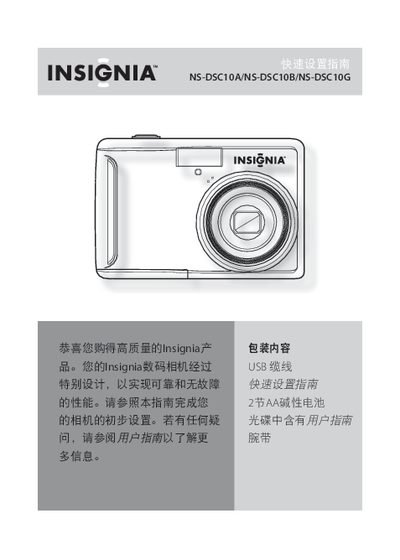
This guide introduces the Insignia NS-DSC10A, NS-DSC10B, and NS-DSC10G digital cameras and explains the basic functions and controls. It walks you through installing the two AA alkaline batteries, inserting an SD or SDHC memory card, and powering the camera on and off.
The manual also describes how to use the menu, enable the power‑saving mode, take photos, record video, and connect the camera to a Windows or Mac computer via the supplied USB cable to transfer files. This manual is written in Chinese.