
Key facts
- Brand
- Insignia
- Model
- NS-DSC10A
- Category
- Digital cameras
- Industry
- Electronics
- Documents
- 2
- Languages
- ZH
- Last added
- 2012-03-26
Start here
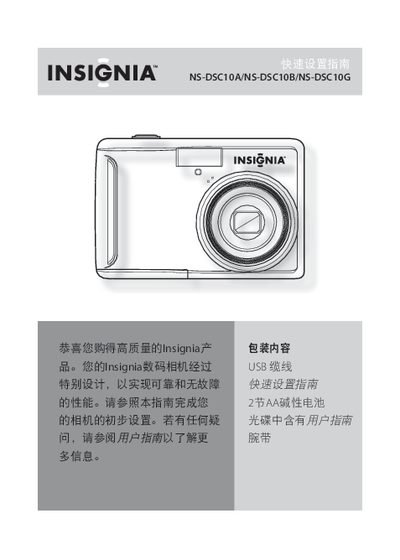
Insignia NS-DSC10A/NS-DSC10B/NS-DSC10G Digital Camera Quick Start Guide
Quick Start Guide 8 pages · 1.5 MB · ZH
This guide introduces the Insignia NS-DSC10A, NS-DSC10B, and NS-DSC10G digital cameras and explains the basic functions and controls. It walks you through installing the two AA alkaline batteries, inserting an SD or SDHC memory card, and powering the camera on and off.
The manual also describes how to use the menu, enable the power‑saving mode, take photos, record video, and connect the camera to a Windows or Mac computer via the supplied USB cable to transfer files. This manual is written in Chinese.
All Insignia NS-DSC10A documents by type
User Manual 2
Day-to-day operation, settings and troubleshooting. Start here if the product is already set up.
Quick Start Guide 1
The shortest path to a working setup, usually only a few pages.