
ViewSonic VX2268wm 120Hz LCD Display User Manual, introduces the features and characteristics of the product, including electromagnetic compatibility information, important safety instructions, RoHS compliance statement, copyright statement, product registration, package contents, precautions, quick installation, wall mounting, use of LCD display, display mode setting, menu and power lock setting, screen image adjustment, main menu control item, technical specifications, troubleshooting, customer support, cleaning of LCD display, limited warranty and other information.
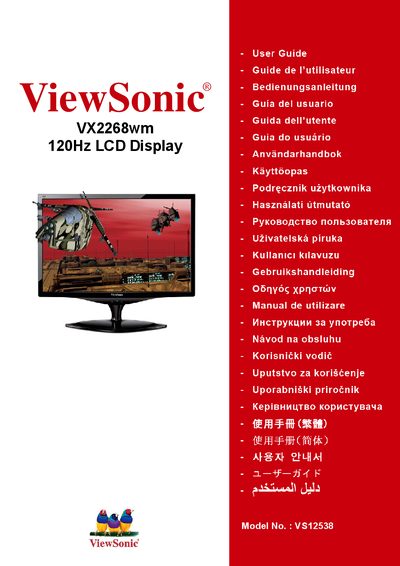
This manual covers important safety instructions, regulatory compliance (FCC, CE, RoHS) and product registration for the ViewSonic VX2268wm 22‑inch LCD display. It includes quick‑start installation, optional wall‑mount procedures, and detailed guidance on configuring display modes and menu settings.
Later sections describe how to adjust image settings, clean the screen safely, resolve common issues, and understand the limited three‑year warranty. Technical specifications such as screen size, resolution and refresh rate are listed, and contact information for customer support is provided. This manual is written in Chinese.
| Screen Size | 22 inches |
|---|---|
| Model Number | VS12538 |
| Maximum Refresh Rate | 120 Hz |
| Native Resolution | 1680 × 1050 |
| VESA Mounting Pattern | 100 mm × 100 mm |