
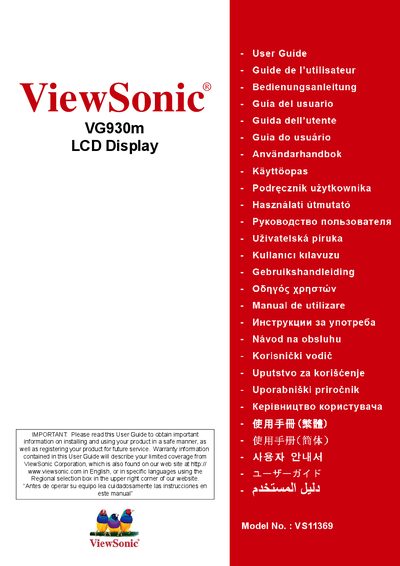
ViewSonic VG930m LCD Display User Guide


ViewSonic VG930m LCD Display User Guide - cover page
Brand
ViewSonic
Category
Other device
Document type
User Manual
Language
English
Pages
5
File format
PDF
File size
246 KB
Published
12 October, 2011
Updated
29 September, 2023
Model
VG930M
MD5 checksum
4E7BCBC2E7A57E73B24DD135BA505854

About this manual

This user guide covers important safety instructions, compliance information, and step‑by‑step procedures for installing and using the ViewSonic VG930m LCD display. It includes sections on quick installation, optional wall mounting, raising and lowering the screen, and configuring on‑screen display settings.

Additional chapters describe the TCO’03 environmental label, warranty terms, cleaning recommendations, and how to obtain product support or register the device online.

What's inside

  • Important Safety Instructions
  • Compliance Information
  • Getting Started
  • Quick Installation
  • Wall Mounting (Optional)
  • Raising and Lowering the Display
  • Setting the Timing Mode
  • OSD and Power Lock Settings
  • Dynamic Contrast
  • Cleaning the LCD Display

Frequently asked questions

What safety precautions should I follow when using the VG930m?

Read all instructions, keep the guide safe, avoid water, clean with a soft dry cloth, do not block ventilation, and use only approved accessories.

How do I clean the LCD display?

Use a soft, dry cloth; for deeper cleaning see the “Cleaning the Display” section of the guide.

Where can I register my VG930m for warranty service?

Product registration is described in the guide and can be completed on ViewSonic’s website using the regional selection box.

Download PDF (246 KB)

More ViewSonic Manuals


View all ViewSonic manuals →