
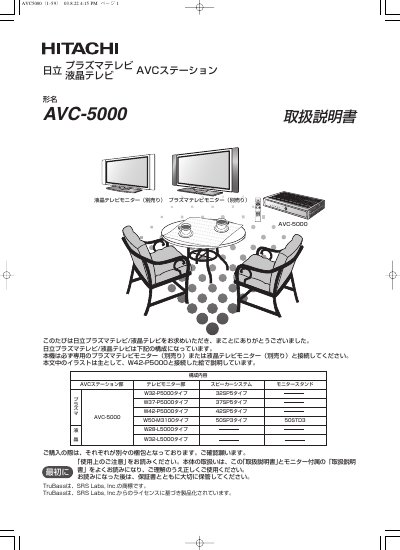
This manual is for the Hitachi AVC-5000 AVC Station, a separate AV control unit used with a dedicated Hitachi plasma or LCD television monitor (sold separately). It explains connection to the monitor, speakers, antennas, and external devices, and describes use of the remote control and on-screen menus.
It also covers TV and video viewing, PC input, wide-screen and multi-screen functions, picture and sound settings, installation, reception settings, power saving, and troubleshooting. Safety precautions and diagrams of the AVC Station and remote control are included. This manual is written in Japanese.
| Supported monitor connection | Dedicated plasma TV monitor or LCD TV monitor (sold separately) |
|---|---|
| AVC Station installation | Vertical placement possible |
| Monitor installation | Wall mounting possible |
It is used with a dedicated plasma television monitor or LCD television monitor sold separately.
Yes. The manual states that the AVC Station section can be installed vertically.
Yes. The monitor section can be wall-mounted.
Turn off the power switch immediately and unplug the power plug.