
方正中文电子书使用手册, provides two connection methods, internal and external, internal connection can be directly used by IP user login, external connection need to set proxy server in the browser first
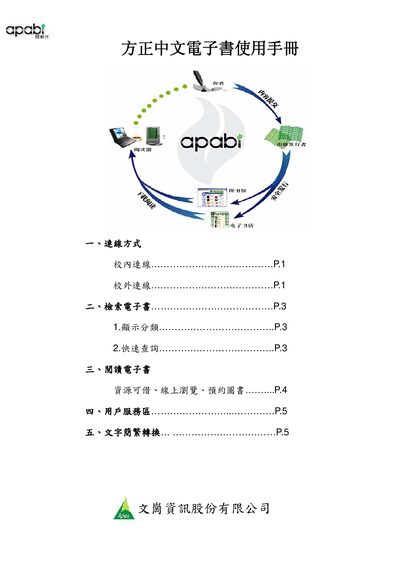
The guide describes two connection methods—on‑campus (IP login) and off‑campus (proxy settings)—required before using the Apabi Reader 3.1 software. It also shows how to configure the reader’s network options.
It then covers searching e‑books, borrowing or online browsing, using the user service area, and converting between simplified and traditional Chinese text within the reader. This manual is written in Chinese.
| Apabi Reader version | 3.1 |
|---|---|
| Online browsing time limit | 10 minutes |
Online browsing is limited to 10 minutes per book.
Yes, use the File → Simplified/Traditional conversion option in Apabi Reader.