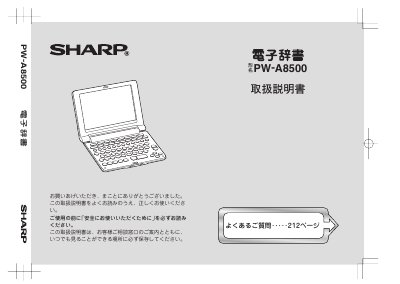
About this manual
The Sharp PW-A8500 is an electronic dictionary. This Japanese user manual explains how to insert the batteries, open the body, turn the power on and off, adjust display settings, and enter text.
It also describes dictionary lookup functions, including 広辞苑・逆引き広辞苑, 漢字辞典, and 分野別小辞典, along with settings such as key touch sound and auto power off. This manual is written in Japanese.
What's inside
- Safety Precautions (安全にお使いいただくために)
- First Use (初めてお使いになるときは)
- Opening the Body (本体を開く)
- Turning the Power On/Off (電源を入れる/切る)
- Care and Cleaning (使用上のご注意とお手入れ)
- Names and Functions of Parts (各部のなまえとはたらき)
- Settings (各種設定)
- Entering and Correcting Characters (文字の入力と修正のしかた)
- Dictionary Lookup by Reading or Spelling (読みやスペルを入れて辞書を引く)
- Using 広辞苑・逆引き広辞苑 (広辞苑・逆引き広辞苑を使う)
Frequently asked questions
Does the dictionary turn off automatically?
Yes. If no key is operated for a certain time, the power turns off automatically.
How long is the auto power off time initially set to?
It is initially set to 5 minutes.