
SkyATA-101 is a compact analog telephone adapter designed specifically for Skype. It allows users to make free Skype calls (PC to PC) or directly dial to the recipient's local phone or mobile phone (PC to Phone) using SkypeOut service at a very low rate. Users can use a regular analog phone to make Skype or SkypeOut calls, enabling them to enjoy the simple, convenient, and cost-effective service provided by SkyATA-101. Additionally, SkyATA-101 can be connected to a wireless phone or digital wireless phone (DECT) to make Skype calls remotely using the phone's keypad, without being limited to using a computer.
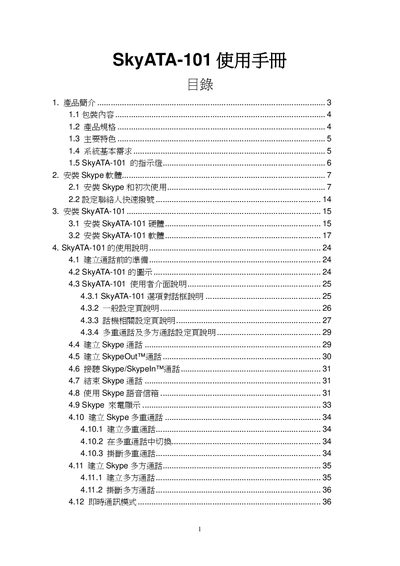
This manual explains how to install the SkyATA 101 hardware and the required Skype software, then guides users through basic and advanced calling features such as multi‑call, conference calls, and SkypeOut. It also includes a product overview, specifications, and regulatory information.
The document contains a FAQ section that addresses common connection problems, USB detection issues, and Skype version compatibility, as well as FCC compliance details for safe operation. This manual is written in Chinese.
| Dimensions | 67.4 x 36.2 x 17.8 mm |
|---|---|
| Supported Skype Versions | 2.5, 3.0, 3.1 |
| Interface | USB and RJ‑11 |
| Indicator Light Functions | Standby (slow), Ringing (fast), In Call (steady), Error (off) |
| Audio Format | 16‑bit PCM |
| Power Supply | USB powered, no external adapter required |
| Warranty | 1 year |
Check that the USB cable is correctly connected to the computer and that the device is properly detected; also ensure the microphone jack is securely attached before initialization.
Verify that the computer has an active Internet connection, that Skype is running and logged in, and that the SkyATA‑101 is not disabling Skype during startup.