
Liquid crystal TV user manual, introduces the installation, connection, use methods of liquid crystal TV
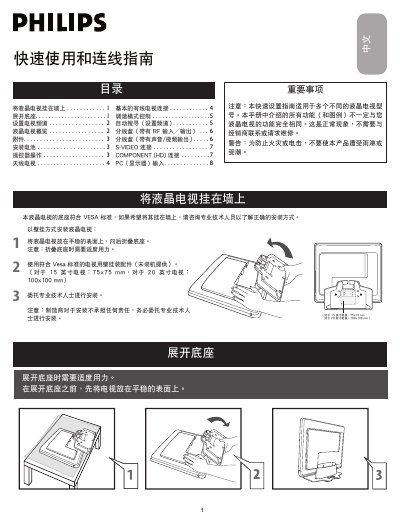
The guide begins with safety warnings and instructions for expanding the TV base, installing the battery, and mounting the TV on a wall using VESA‑standard brackets. It stresses using moderate force when folding the base and recommends professional installation for wall‑mounting.
Subsequent sections describe remote‑control functions, how to set up TV channels automatically or manually, and how to connect various input sources such as antenna, cable, component, S‑Video, DVI‑I and PC. Detailed wiring diagrams for splitters and audio/video cables are also provided. This manual is written in Chinese.
| VESA mounting size (20‑inch model) | 100 × 100 mm |
|---|---|
| DC input voltage | 16 V |
Place the TV on a stable surface and apply moderate force to unfold the base.
The 20‑inch model uses a 100 × 100 mm VESA pattern.