
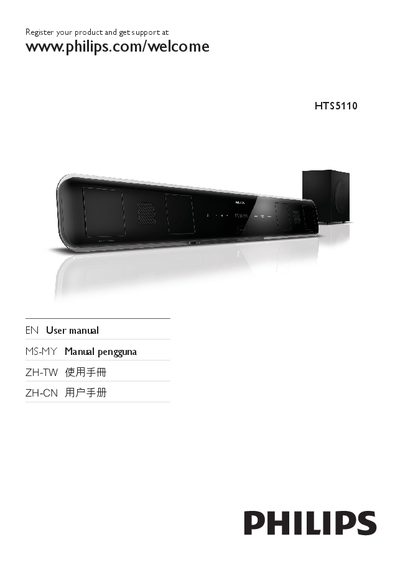
This manual guides owners of the Philips HTS5110 home theater through installation, connection, and everyday use. It includes safety warnings, product care advice, and details on remote‑control functions.
Key sections cover connecting the unit to a TV or audio source, configuring sound and video settings, updating firmware, and troubleshooting common issues such as no sound or picture problems.
| Supported USB file system | Formats other than NTFS (e.g., FAT32) |
|---|---|
| Power adapter model | PHILIPS G721DA-270250 |
| Audio sources | USB, Radio, Coax, AUX, MP3 LINK |
Press the AUDIO SYNC button, then use the +/- keys within five seconds to adjust the delay.
Open the setup menu, check the software version, and update the firmware from a USB storage device.
Make sure the audio cables are properly connected and the correct input source is selected; also verify HDMI Audio is enabled if using HDMI.