
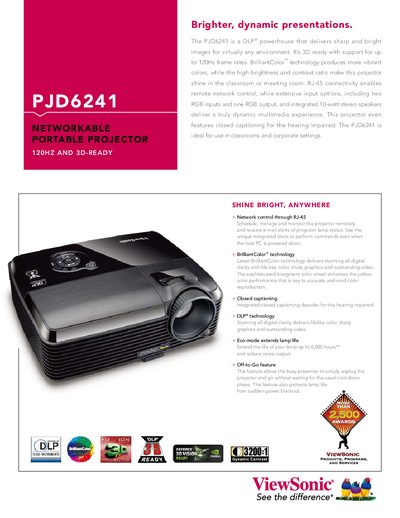
This manual introduces the ViewSonic PJD6241 DLP projector, its features, and the items included in the package. It guides users through safe handling, installation, and basic operation of the projector. The document also covers connection options, remote control usage, network control, maintenance procedures such as lamp replacement and cleaning, detailed technical specifications, troubleshooting tips, and RS‑232/IR command information. This manual is written in Chinese.
| Resolution | XGA (1024 × 768) |
|---|---|
| Lamp Power | 230 W |
| Input Power | AC 100‑240 V, 50‑60 Hz, 2.5 A |
| Power Consumption | 290 W |
| Weight | 2.7 kg (6 lb) |
| Dimensions (W×D×H) | 279.5 mm × 218 mm × 105 mm |
Do not use the projector near water, avoid exposing it to rain or humid environments, keep ventilation openings clear, and use only the manufacturer‑specified accessories.
The projector provides two D‑Sub 15‑pin video inputs, one S‑VIDEO input, and one composite video input.
Use the RJ‑45 Ethernet port on the rear of the projector for network control.