
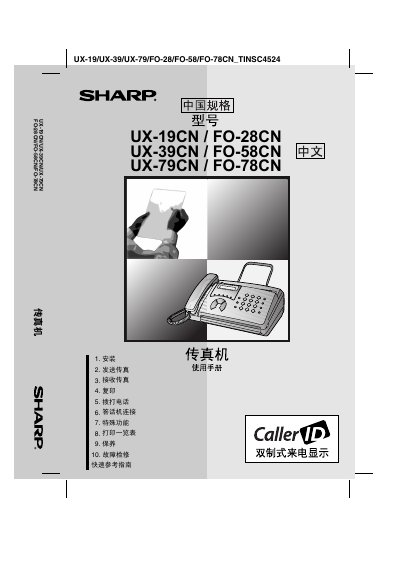
This manual provides instructions for the installation, operation, and maintenance of Sharp multifunction fax machines, including models UX-19CN, FO-28CN, UX-39CN, FO-58CN, UX-79CN, and FO-78CN. It covers basic setup, sending and receiving faxes, copying, scanning, and using special functions like automatic dialing and external modem connections.
The document also includes detailed troubleshooting guides for common issues, safety precautions, and technical specifications such as paper size compatibility, power requirements, and physical dimensions. It serves as a comprehensive guide for end-users to operate the device effectively. This manual is written in Chinese.
| Power Supply | 220 V AC, 50 Hz |
|---|---|
| Humidity | 30 - 85% RH |
| Maximum Power Consumption | 115 W |
| Weight | Approx. 2.6 kg |
| Dimensions (Width) | 304 mm |
| Dimensions (Depth) | 236 mm |
| Dimensions (Height) | 122 mm |
The machine supports ITU-T (CCITT) G3 mode paper sizes with a width of 148 to 210 mm and a length of 140 to 297 mm.
Press the 'Stop' button to cancel the current operation.
If the machine emits smoke, smells burnt, or makes abnormal sounds, disconnect the power immediately and contact a service center.