
Nikon COOLPIX P4 Digital Camera User Manual

This is the user manual for the Nikon COOLPIX P4 digital camera.
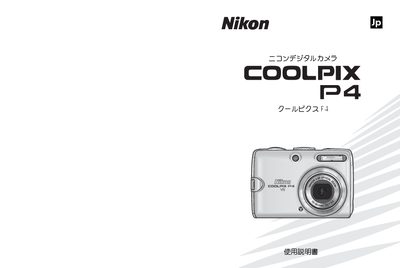

Nikon COOLPIX P4 Digital Camera User Manual - cover page
Brand
Nokon
Category
Digital cameras
Document type
User Manual
Language
Japanese
Pages
139
File format
PDF
File size
4.6 MB
Published
25 September, 2011
Updated
30 September, 2023
MD5 checksum
24D525C91E9BCAD86C95B3559A751D23

About this manual

This is the user manual (使用説明書) for the Nikon COOLPIX P4 digital camera (ニコンデジタルカメラ COOLPIX P4). It explains how to prepare the camera, shoot and play back images, use shooting and playback functions, record movies, and connect to a TV, computer, or printer.

The manual also covers safety precautions, names of camera parts, menu operations, setup options, camera care, troubleshooting, main specifications, and after-sales service information. This manual is written in Japanese.

What's inside

  • Safety precautions
  • Getting started
  • Names of camera parts
  • Preparing for shooting
  • Simple shooting and playback
  • Shooting according to the scene
  • Using shooting functions
  • Using playback functions
  • Connecting to a TV, computer, or printer
  • Main specifications

Frequently asked questions

What does "this camera" refer to?

It refers to the COOLPIX P4.

How do I contact Nikon customer support?

Call the Nikon Customer Support Center at 0570-02-8000.

Download PDF (4.6 MB)

More Nokon Manuals


View all Nokon manuals →