
This manual introduces the main functions and operation methods of the EC5500R temperature controller
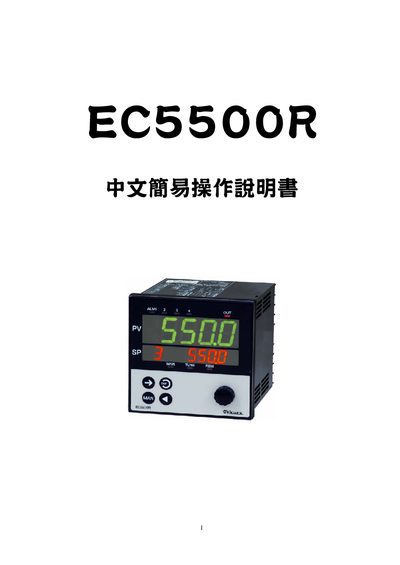
The EC5500R manual guides users through basic setup and operation of the device. It starts with confirming the supplied accessories and checking the product specifications.
Subsequent sections describe how to switch between operation, parameter, and setup screens, configure input types and ranges, and perform factory‑reset initialization. Detailed tables list input codes, ranges, and function settings for the controller. This manual is written in Chinese.
| DC voltage input range | 0~5V |
|---|
Press both keys simultaneously and hold for 3 seconds to restore the factory default values.