
Key facts
- Manuals
- 1
- Languages
- ZH
- Last added
- 2011-09-24
Featured EC5500R manuals
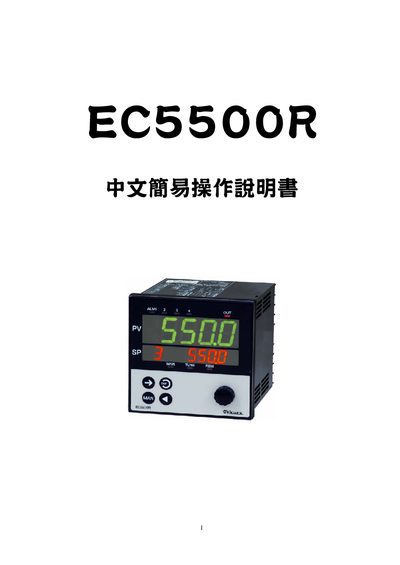
EC5500R User Manual
The EC5500R manual guides users through basic setup and operation of the device. It starts with confirming the supplied accessories and checking the product specifications.
Subsequent sections describe how to switch between operation, parameter, and setup screens, configure input types and ranges, and perform factory‑reset initialization. Detailed tables list input codes, ranges, and function settings for the controller. This manual is written in Chinese.
Covers: Accessory Confirmation · Product Specifications · Screen Switching · Input List and Ranges · Initialization Settings · Operation Flow
Latest EC5500R manuals
EC5500R User Manual
User Manual 21 pages · 884 KB · ZHThis manual provides operating instructions, accessory verification, specifications, screen navigation, input list, and initialization settings for the…
Which document do I need?
User Manual
Day-to-day operation, settings and troubleshooting. Start here if the product is already set up.
Questions answered in EC5500R manuals
How can I reset the device to factory settings?
Press both keys simultaneously and hold for 3 seconds to restore the factory default values.
From: EC5500R User Manual