
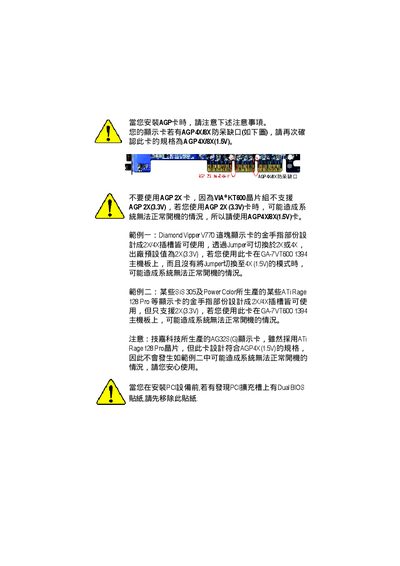
This document mainly introduces the precautions to be taken when installing AGP cards, such as confirming the card's specification as AGP 4X/8X(1.5V) and not using AGP 2X cards.
This manual provides step‑by‑step instructions for installing the GA‑7VT600 1394 motherboard. It includes a detailed layout diagram, descriptions of each connector (SATA, USB, audio, IEEE‑1394, PS/2, LAN), and guidance for mounting the CPU, memory modules and expansion cards.
The guide also covers BIOS configuration, power‑management features, RAID options, and compliance declarations. Contact information for Gigabyte support and warranty details are listed at the end of the document.
| CPU Socket | Socket A (AMD Athlon/XP/Duron) |
|---|---|
| Supported Memory | DDR DIMM PC2100/PC2700/PC3200, up to 3.0 GB |
| AGP Slot | AGP 3.0, 8X/4X (1.5 V) |
| PCI Slots | 33 MHz PCI 2.2 compliant |
| Audio Codec | RealTek ALC655 |
| Ethernet Controller | RealTek RTL8101L |
| IEEE‑1394 Port | 1 port |
The board supports AMD Athlon, Athlon XP and Duron processors using Socket A.
It accepts DDR DIMM modules of PC2100, PC2700 or PC3200, up to a total of 3 GB.
The motherboard includes an AGP 3.0 slot (8X/4X, 1.5 V) and a 33 MHz PCI 2.2 slot.
Yes, the VT8237 controller provides SATA RAID 0 (striping) and RAID 1 (mirroring).