
This document is the user manual of ViewSonic PJ862 portable LCD projector, which introduces the features and characteristics of the product, installation and use methods, safety precautions and other content.
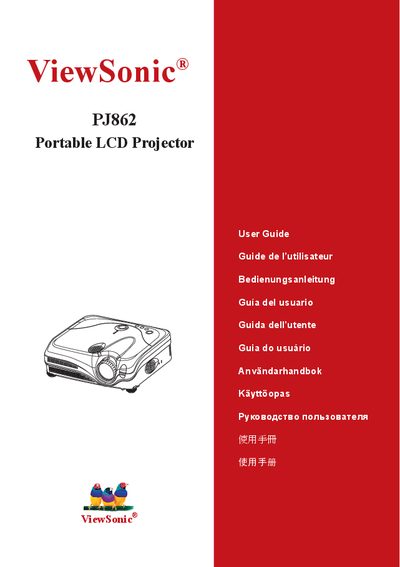
This guide covers important safety instructions, proper handling, and preparation steps for the ViewSonic PJ862 projector. It explains how to set up the device, connect various input sources, and use the built‑in menu options such as picture settings, network configuration, and the Whisper noise‑reduction mode.
The manual also details routine maintenance, troubleshooting procedures, and warranty service information, including the required documentation for obtaining support.
| Input Interfaces | RGB IN1, DVI‑D, USB, LAN, S‑VIDEO |
|---|
Press the Restart button and hold it for about 10 seconds; the projector will power cycle and resume normal operation.
Do not use the projector near water, clean only with a dry cloth, and keep ventilation openings clear.