
This article introduces an image processing system developed using VC++ and IMAQ Vision, which is used for processing images of network license certificate serial numbers. By using hardware and software products from NI, the system is able to rapidly and accurately capture and process images, meeting the requirements of mass production.
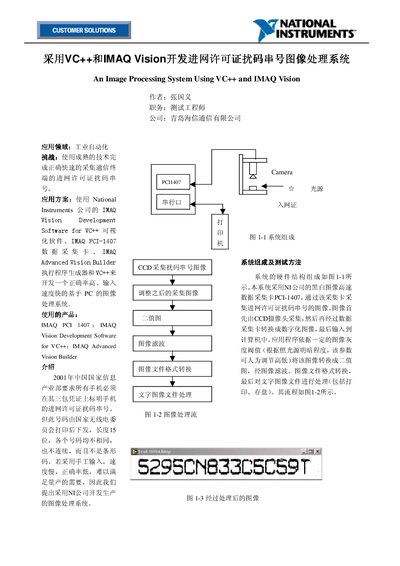
The document describes an image‑processing system developed by Hisense to automatically capture and decode the 15‑digit network‑license code printed on mobile‑phone warranty certificates. The system combines a CCD camera, a NI PCI‑1407 high‑speed data‑acquisition card, a FOSTEC adjustable light source, and NI IMAQ Vision software running under VC++.
Key procedures include turning on the light source and camera, using Measurement & Automation tools to set image size and position, adjusting a gray‑level threshold to obtain a clear binary image, and finally printing or storing the decoded text. The manual also covers handling variations in license‑code printing by adjusting the threshold parameter. This manual is written in Chinese.
| Data acquisition card | NI PCI‑1407 |
|---|---|
| Camera | CCD camera |
| Lighting source | FOSTEC adjustable light source 20750.2 |
The software lets the user set the gray‑level threshold to the midpoint of the gray‑level histogram, which yields the clearest binary image.
First turn on the light source, camera, computer and printer; then run the Measurement & Automation tool; finally adjust the camera focus on the license before launching the application.