
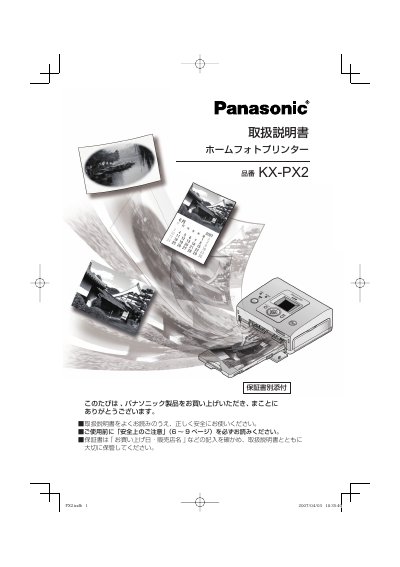
Panasonic KX-PX2 Home Photo Printer User Manual


Panasonic KX-PX2 Home Photo Printer User Manual - cover page
Brand
Panasonic
Category
Printer
Document type
User Manual
Language
Japanese
Pages
80
File format
PDF
Updated
29 September, 2023
Model
KX-PX2
MD5 checksum
E28BF74ECBEC79A053213C08C52532AF

About this manual

This is the user manual for the Panasonic KX-PX2 home photo printer. It includes safety precautions, setup instructions, and detailed guidance on printing photos from digital cameras or using the built-in LCD monitor. The manual also covers troubleshooting, maintenance, and technical specifications.

The printer features high-quality photo printing with automatic color correction and brightness adjustment. It supports direct connection to digital cameras and offers options for printing calendars, frames, and special effects. This manual is written in Japanese.

What's inside

  • Safety Precautions
  • Setup and Preparation
  • Printing Photos
  • Settings and Configuration
  • Searching and Organizing Photos
  • Troubleshooting
  • Maintenance
  • Specifications
  • Warranty and After-Sales Service

Specifications

Model NumberKX-PX2

Frequently asked questions

What is the model number of this printer?

The model number is KX-PX2.

What is the rated voltage for this printer?

The manual prohibits using the printer on voltages other than AC 100 V.

What should you do if smoke or unusual sounds come from the printer?

You must unplug the power cord and consult a sales store immediately.

Download PDF

More Panasonic Manuals


View all Panasonic manuals →