
Quick‑start guide for using the Dayton Audio OMDVD Test DVD with the OmniMic V2 system to measure multichannel surround audio.
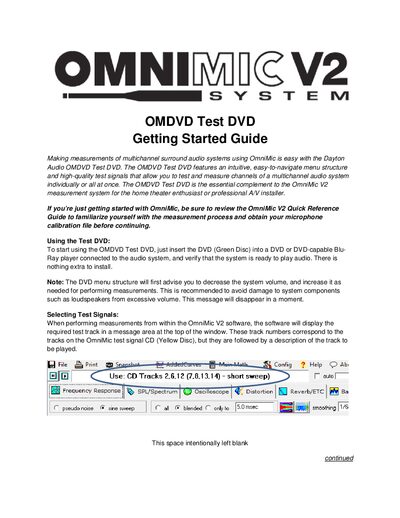
The OMDVD Test DVD Getting Started Guide explains how to use the Dayton Audio OMDVD Test DVD together with the OmniMic V2 measurement system. The DVD provides high‑quality test signals and an easy‑to‑navigate menu for measuring individual or all channels of a surround‑sound system.
To begin, insert the green‑disc DVD into a DVD or Blu‑Ray player that is connected to the audio system, then follow the on‑screen menus to select test signal types, play specific channels, or run delay measurements. The guide also describes how to adjust volume safely and how to interpret the measurement data displayed by the OmniMic software.
| Supported channel configuration | 5.1 |
|---|---|
| Media type | DVD (green disc) |
| Required playback device | DVD or Blu‑Ray player |
Insert the green‑disc DVD into a DVD or Blu‑Ray player that is connected to the audio system and verify the system is ready to play audio.
Select the “Delay Measurements” menu, which plays a short sine sweep through the left channel and the chosen second channel simultaneously, allowing you to view the relative impulse‑response timing.
The DVD menu first advises you to lower the system volume, then increase it as needed while measuring, to prevent excessive volume that could damage loudspeakers.