
Key facts
- Manuals
- 2
- Languages
- EN
- Last added
- 2026-09-29
Featured DaytonAudio manuals
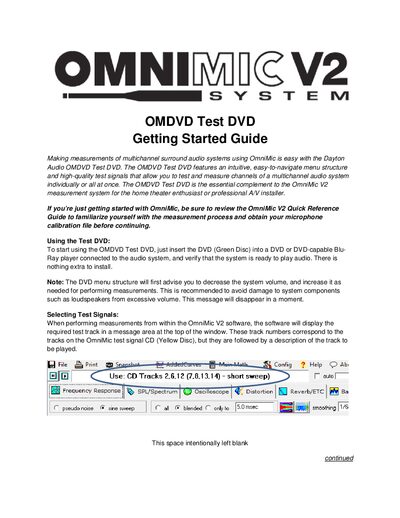
Dayton Audio OMDVD Test DVD Getting Started Guide
The OMDVD Test DVD Getting Started Guide explains how to use the Dayton Audio OMDVD Test DVD together with the OmniMic V2 measurement system. The DVD provides high‑quality test signals and an easy‑to‑navigate menu for measuring individual or all channels of a surround‑sound system.
To begin, insert the green‑disc DVD into a DVD or Blu‑Ray player that is connected to the audio system, then follow the on‑screen menus to select test signal types, play specific channels, or run delay measurements. The guide also describes how to adjust volume safely and how to interpret the measurement data displayed by the OmniMic software.
Covers: Using the Test DVD · Selecting Test Signals · Playing Test Signals · Performing Delay Measurements · More Information
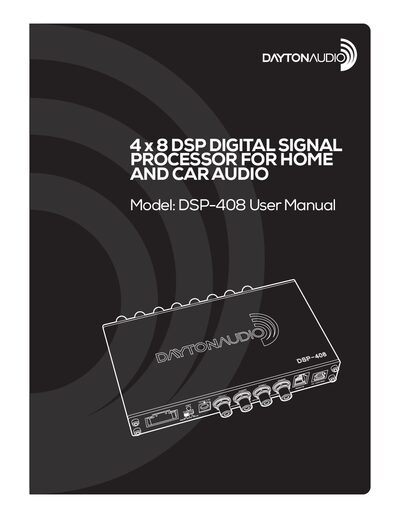
Dayton Audio DSP-408 Digital Signal Processor User Manual
The DSP-408 is a 4‑channel high‑level and low‑level input digital signal processor with 8 RCA outputs, designed for home and car audio systems. It can be controlled via Windows PC software, an Android or iOS mobile app, and optionally a Bluetooth 4.0 dongle for wireless streaming.
The manual covers safety instructions, box contents, wiring diagrams, detailed software features such as parametric EQ, crossovers, time alignment, and preset management, as well as troubleshooting tips like adding a capacitor to prevent pop‑on‑power‑off.
Covers: Product Overview · DSP Features and Technical Specifications · Device Connections · Controlling the DSP · Connecting to Audio Sources and Mobile Devices · Operating the Windows Software
Latest DaytonAudio manuals
Dayton Audio OMDVD Test DVD Getting Started Guide
User Manual 4 pages · 454 KB · ENQuick‑start guide for using the Dayton Audio OMDVD Test DVD with the OmniMic V2 system to measure multichannel surround audio.
Dayton Audio DSP-408 Digital Signal Processor User Manual
User Manual 15 pages · 1.2 MB · ENThe Dayton Audio DSP-408 manual explains setup, connections, and software control for this 4‑input/8‑output digital signal processor.
Which document do I need?
User Manual
Day-to-day operation, settings and troubleshooting. Start here if the product is already set up.
Questions answered in DaytonAudio manuals
How do I start using the OMDVD Test DVD?
Insert the green‑disc DVD into a DVD or Blu‑Ray player that is connected to the audio system and verify the system is ready to play audio.
How are delay measurements performed?
Select the “Delay Measurements” menu, which plays a short sine sweep through the left channel and the chosen second channel simultaneously, allowing you to view the relative impulse‑response timing.
How can I prevent a pop sound when turning off the DSP‑408?
Install a capacitor inline with the tweeters to absorb the pop when the unit powers down.
From: Dayton Audio DSP-408 Digital Signal Processor User Manual
What power adapter specifications does the DSP‑408 require?
The adapter accepts 100‑240 VAC input and provides a 12 VDC, 1.5 A output.
From: Dayton Audio DSP-408 Digital Signal Processor User Manual