
This manual explains how to set up, operate, maintain and troubleshoot the Lenovo C8200N printer.
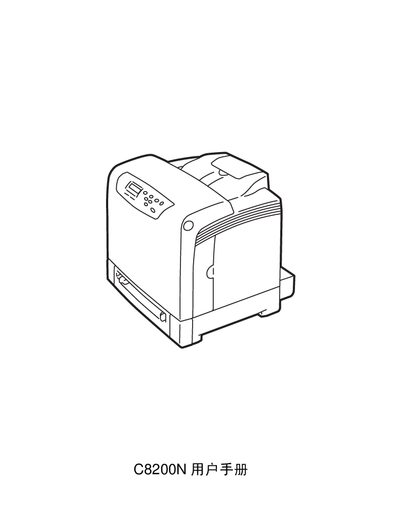
The Lenovo C8200N Printer User Manual provides detailed instructions for installing the printer, configuring network settings, and using its various printing functions. It covers safety precautions, paper handling, control‑panel settings, and security features.
The document also includes troubleshooting steps, daily management tips, and an appendix with technical specifications and consumable lifetimes. It is intended for users and administrators who need to operate the printer safely and efficiently. This manual is written in Chinese.
| Supported paper weight (single‑sided) | 60–216 g/m² |
|---|---|
| Supported paper weight (double‑sided) | 60–163 g/m² |
The default machine‑administrator name is "Root" and the password is empty; you must change the password before using administrator mode.
Place the paper in paper tray 1 and use the manual double‑sided printing function to print on both sides.
The IP address can be configured in the printer’s network settings section of the manual.