
User guide for the Elo TouchSystems ET3239L 32" LCD touchmonitor covering installation, operation, driver setup and troubleshooting.
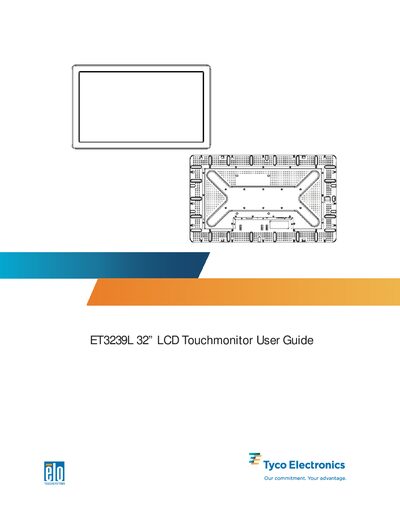
This guide introduces the ET3239L touchmonitor, describing its 32" TFT display, available touch technologies (IntelliTouch or APR), and video input options. It also outlines safety information and warranty details.
The manual provides step‑by‑step instructions for unpacking, connecting power, USB/serial and video cables, mounting, installing the Elo driver software on Windows, using on‑screen display controls, and troubleshooting common issues.
| Native resolution | 1366 × 768 |
|---|---|
| Touch technology | IntelliTouch or Acoustic Pulse Recognition (APR) |
| Interface connections | USB and serial (APR model USB only) |
The product is covered by a three‑year warranty against defects in materials and workmanship.