
User manual for the Hand Held Products QUICK CHECK600/800 barcode inspection instrument, covering operation, settings, calibration and data handling.
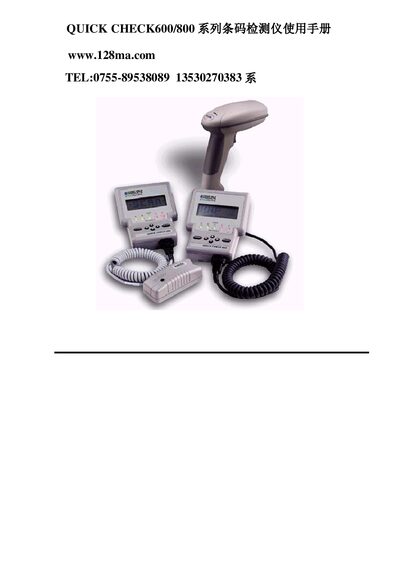
This manual provides detailed instructions for using the QUICK CHECK600/800 barcode inspection instrument. It includes basic operation, quick start guidance, configuration of symbologies, result viewing, data saving, printing, and database functions.
The document also describes the QC800 variant, battery handling, calibration procedures, and troubleshooting tips, helping users achieve accurate barcode quality assessments in various environments. This manual is written in Chinese.
| Dimensions | 10.9 cm W × 7.0 cm H × 13.3 cm D |
|---|---|
| Weight | 454 g (with pen and battery) |
| Storage Temperature | -20 °C to -70 °C |
| Operating Temperature | 0 °C to 50 °C |
| Humidity | 5 %–95 % RH, non‑condensing |
| Display | LCD, 4 × 20 characters per line |
| Keyboard | 6 keys (POWER, SELECT, ↑, ↓, ←, →) |
| Battery | Four AA Ni‑Cd rechargeable cells |
| Data Cache | 32 KB internal memory for data and scan curves |
Hold the POWER button for about two seconds until you hear a beep, or let the instrument idle; it will automatically power down after a minute (or ten minutes when a charger is connected).