
Key facts
- Manuals
- 1
- Languages
- ZH
- Last added
- 2026-09-28
Featured Hand Held Products manuals
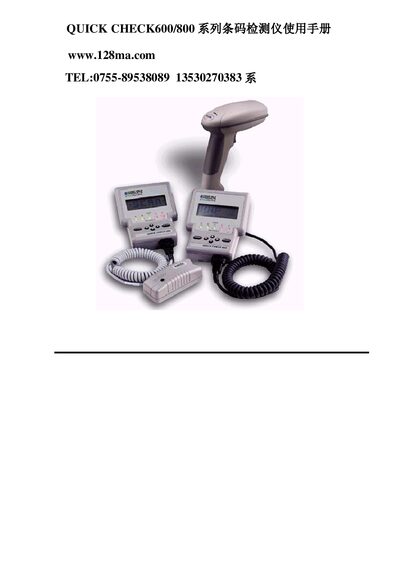
Hand Held Products QUICK CHECK600/800 Barcode Inspection Instrument User Manual
This manual provides detailed instructions for using the QUICK CHECK600/800 barcode inspection instrument. It includes basic operation, quick start guidance, configuration of symbologies, result viewing, data saving, printing, and database functions.
The document also describes the QC800 variant, battery handling, calibration procedures, and troubleshooting tips, helping users achieve accurate barcode quality assessments in various environments. This manual is written in Chinese.
Covers: Basic Use · Quick Start Guide · Barcode Detector Settings · Viewing Test Results · Data Saving and Printing · Database Usage
Latest Hand Held Products manuals
Hand Held Products QUICK CHECK600/800 Barcode Inspection Instrument User Manual
User Manual 38 pages · 366 KB · ZHUser manual for the Hand Held Products QUICK CHECK600/800 barcode inspection instrument, covering operation, settings, calibration and data handling.
Which document do I need?
User Manual
Day-to-day operation, settings and troubleshooting. Start here if the product is already set up.
Questions answered in Hand Held Products manuals
How can I turn the device off?
Hold the POWER button for about two seconds until you hear a beep, or let the instrument idle; it will automatically power down after a minute (or ten minutes when a charger is connected).
From: Hand Held Products QUICK CHECK600/800 Barcode Inspection Instrument User Manual