
The ZY International TK-203 GSM/GPRS/GPS Watch Tracker User Manual provides setup, operation, and troubleshooting instructions.
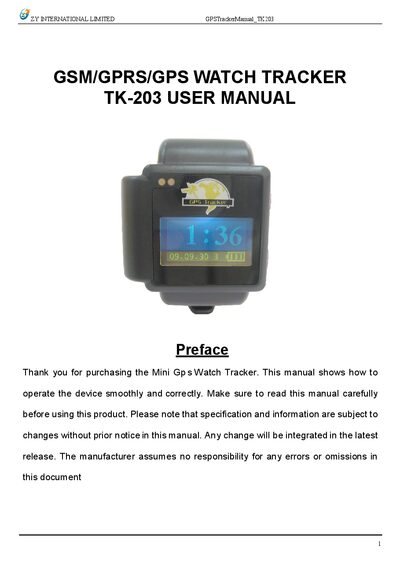
The TK-203 is a compact GSM/GPRS/GPS watch tracker designed for personal and vehicle monitoring. It works with standard cellular networks and GPS satellites to report location and status via SMS or GPRS.
This manual covers hardware description, specifications, SIM card installation, battery charging, initialization, password changes, alerts (real‑time polling, auto‑track, geo‑fence, movement, overspeed, SOS), GPRS settings, cautions, and fault troubleshooting.
| Dimensions | 45(L) x 38(W) x 18(H) mm |
|---|---|
| Weight | 40 g |
| Network bands | 850/1800/1900 MHz or 900/1800/1900 MHz |
| GPS chip | SIRF3 |
| Battery | 3.7 V 450 mAh Li‑ion |
| Operating temperature | -20 °C to +55 °C |
| Storage temperature | -40 °C to +85 °C |
| Standby time | 48 hours |
Press and hold the on/off button for 3 seconds to power the tracker on or off; a 1‑second press switches the display to latitude/longitude.
Send an SMS in the format password+old password+space+new password to the device; the new password must be six digits.