
Quick guide for the SeaLife DC300/DC310 digital camera covering setup, basic operation, accessories, and underwater shooting tips.
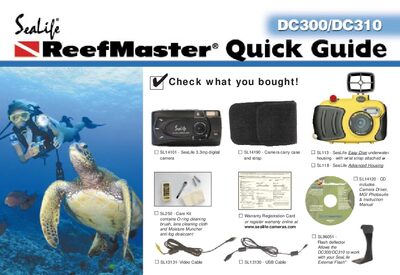
This Quick Guide walks you through getting the SeaLife DC300/DC310 ready for use, from inserting batteries and an SD card to powering on the camera and selecting basic shooting modes. It also explains how to attach the Easy‑Dive or Advanced underwater housing, seal the unit, and prepare accessories such as external flash and macro lenses.
Additional sections cover connecting the camera to a computer via USB, viewing images on a TV, and practical tips for achieving good underwater photos, including flash settings, focus distances, and fog‑prevention measures.
| Resolution | 3.3 MP |
|---|---|
| Supported SD Card | 128 MB card takes 144 hi‑res pictures |
| Battery | SeaLife Ni‑MH rechargeable, 1800 mAh or higher |
| Portrait focus range (land) | 3‑6 ft (90 cm‑1.8 m) |
Open the battery compartment, insert SeaLife Ni‑MH rechargeable batteries (1800 mAh or higher) or compatible lithium batteries, then close the compartment.