
Key facts
- Manuals
- 2
- Languages
- ZH · EN
- Last added
- 2026-10-01
Featured Sealife manuals
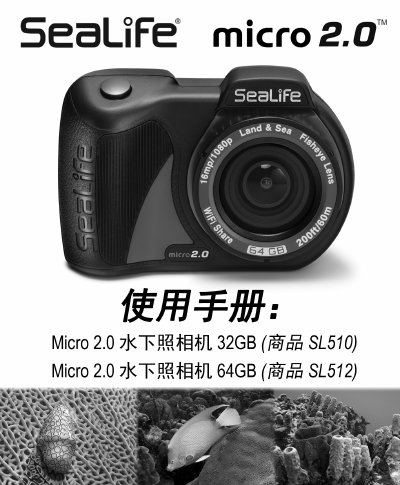
SeaLife Micro 2.0 Camera User Manual
This manual covers everything you need to get started with the SeaLife Micro 2.0 camera, including a list of packaging contents, an overview of the camera’s buttons and ports, and explanations of the on‑screen icons for capture and playback modes.
It also details basic operations such as powering the camera on and off, taking photos, recording video, using quick‑settings, and deleting files, followed by the technical specifications and FCC compliance information. This manual is written in Chinese.
Covers: Packaging Contents · Camera Overview · Display Icons – Capture Mode · Display Icons – Playback Mode · Basic Operations · Technical Specifications
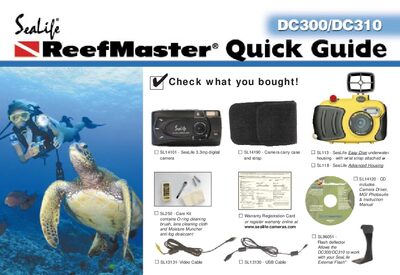
SeaLife DC300/DC310 Digital Camera Quick Guide
This Quick Guide walks you through getting the SeaLife DC300/DC310 ready for use, from inserting batteries and an SD card to powering on the camera and selecting basic shooting modes. It also explains how to attach the Easy‑Dive or Advanced underwater housing, seal the unit, and prepare accessories such as external flash and macro lenses.
Additional sections cover connecting the camera to a computer via USB, viewing images on a TV, and practical tips for achieving good underwater photos, including flash settings, focus distances, and fog‑prevention measures.
Covers: Getting Started · Camera Controls and Modes · Underwater Housing and Sealing · Flash and Lighting Options · Connecting to PC and TV · Photography Tips
Latest Sealife manuals
SeaLife Micro 2.0 Camera User Manual
User Manual 38 pages · 5.3 MB · ZHThe SeaLife Micro 2.0 camera user manual provides setup, operation, and specifications for the SL510/SL512 underwater camera.
SeaLife DC300/DC310 Digital Camera Quick Guide
Quick Start Guide 12 pages · 798 KB · ENQuick guide for the SeaLife DC300/DC310 digital camera covering setup, basic operation, accessories, and underwater shooting tips.
Which document do I need?
User Manual
Day-to-day operation, settings and troubleshooting. Start here if the product is already set up.
Quick Start Guide
The shortest path to a working setup, usually only a few pages.
Questions answered in Sealife manuals
How do I turn the camera on or off?
Press and hold the bottom button for 2 seconds to power the camera on or off.
How can I start and stop video recording?
Press the video button to start recording; press it again to stop. A red dot appears on the LCD while recording.
How do I insert batteries into the SeaLife DC300/DC310?
Open the battery compartment, insert SeaLife Ni‑MH rechargeable batteries (1800 mAh or higher) or compatible lithium batteries, then close the compartment.