
Installation guide for the XunRao XR1005-MBUS industrial concentrator, covering hardware specs, wiring, indicator lights, and troubleshooting.
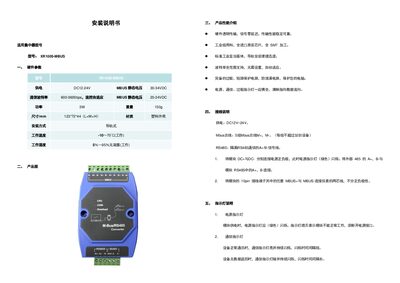
This manual provides step‑by‑step instructions for installing the XR1005‑MBUS concentrator. It includes hardware parameters, product images, performance highlights, wiring diagrams, indicator light functions, and a troubleshooting section.
The guide details power connections, MBUS and RS‑485 wiring, rail‑mount installation, and how to interpret the power, communication, and overload LEDs. It also lists common issues and their resolutions, helping users achieve reliable operation in industrial environments. This manual is written in Chinese.
| Power Supply | DC12‑24V |
|---|---|
| MBUS Static Voltage | 30‑34VDC |
| Communication Baud Rate | 600‑9600 bps |
| Weight | 150 g |
| Dimensions (L×W×H) | 123 mm × 72 mm × 44 mm |
| Material | Plastic housing |
| Installation Method | Rail‑mounted |
| Operating Temperature | -10 °C to 70 °C |
| Operating Humidity | 5 % to 95 % non‑condensing |
When the module is powered, the green power indicator flashes; if it is off, the module is not receiving power.
Connect any MBUS+ and MBUS‑ pins on the 10‑pin terminal to the instrument’s two‑wire line; polarity does not matter.