
MapKing2007 is a PPC installation program that provides multiple maps for users to choose from. Users can install the main program and maps, as well as obtain MKID codes and registration codes to use the map software. When using the software, it is important to note that GPS positioning is affected by weather and location, and the accuracy of map data may vary. Users should also drive according to actual traffic rules.
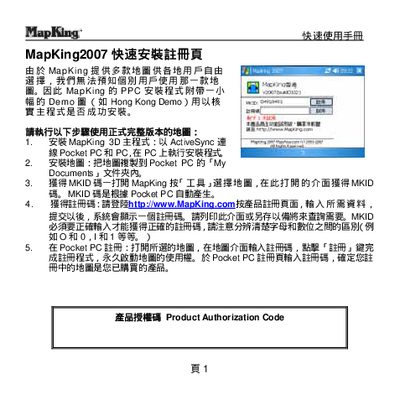
This guide explains how to install the MapKing 2007 navigation software on a Pocket PC using ActiveSync, copy map files to the device, and register the product with a MKID code. It also covers basic map selection, GPS mode activation, and sending the current location via SMS.
Additional sections describe path‑planning features, map switching, GPS hardware support, and where to obtain technical support or additional map data. The manual is intended for quick reference rather than detailed troubleshooting. This manual is written in Chinese.
Connect the Pocket PC to a PC with ActiveSync and run the installer on the PC.
Open the Tools menu, choose "Select Map", and pick the desired map.
Tap and hold your current position, select "Send SMS", enter a phone number, and send.