
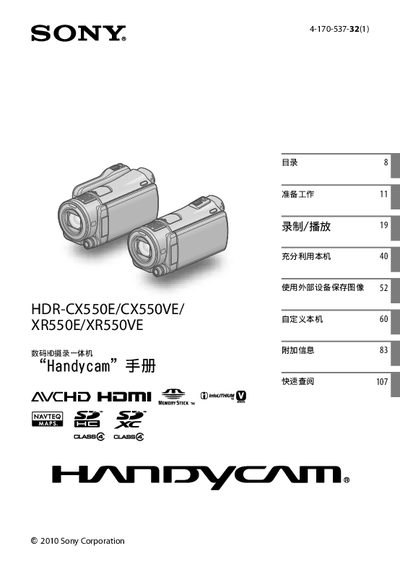
This manual covers the Sony HDR-CX550E, HDR-CX550VE, XR550E and XR550VE camcorders. It explains how to set up the device, initialize storage, use accessories, and operate the camera in various shooting modes.
Key sections include operation flow, storage management, image‑stabilization (SteadyShot), low‑light NightShot, dual‑recording, GPS usage, and safety precautions. The guide also provides troubleshooting tips and instructions for saving recorded data to external media. This manual is written in Japanese.
| Internal Memory (CX550 series) | 64 GB |
|---|---|
| Internal Hard Disk (XR550 series) | 240 GB |
| Battery Type | NP‑FV50 |
| Recording Format | AVCHD |
| Image Stabilization | SteadyShot |
| Low‑Light Mode | NightShot |
| Dual Recording | Dual Rec |
The manual instructs you to initialize the storage, which deletes all data on the memory before you start using the camcorder.
The camcorder records HD video in the AVCHD format.