
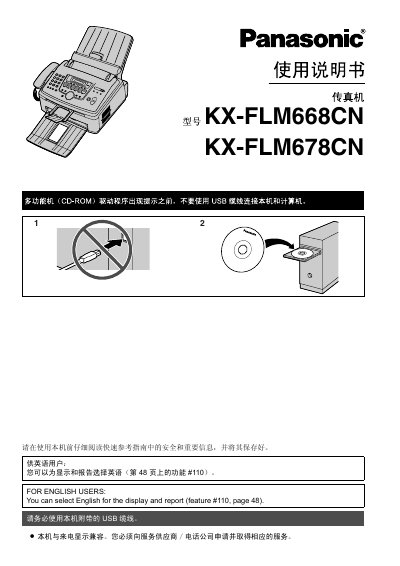
This manual provides detailed instructions for operating and maintaining the Panasonic KX-FLM668CN and KX-FLM678CN fax machines. It includes sections on installation, basic operations, printing, scanning, faxing, troubleshooting, and maintenance. The guide also covers setup for network connectivity and advanced features like multi-function operation and document management.
The manual is bilingual, supporting both Chinese and English interfaces, and includes safety precautions, component specifications, and usage tips to ensure optimal performance and longevity of the device. This manual is written in Chinese.
| Model | KX-FLM668CN, KX-FLM678CN |
|---|---|
| Printer Compatibility | Windows, Windows Vista, Internet Explorer, PowerPoint |
| Processor | Intel Pentium |
| Copyright Year | 2008 |
Yes, you can select English for the display and report (feature #110, page 48).
Use Panasonic original toner and drum for optimal performance. Using non-Panasonic products may cause damage or performance issues.
Follow the installation guide in Section 1.5, which includes steps for installing the toner cartridge and drum unit, and connecting the machine to power and network.
Avoid placing the machine near magnetic devices, keep it away from direct sunlight and high temperatures, and do not place heavy objects on it. Unplug the power cord when not in use.