
IBM Maximo Asset Management is an integrated database and productivity tool designed to help you manage all your asset types on a single software platform.
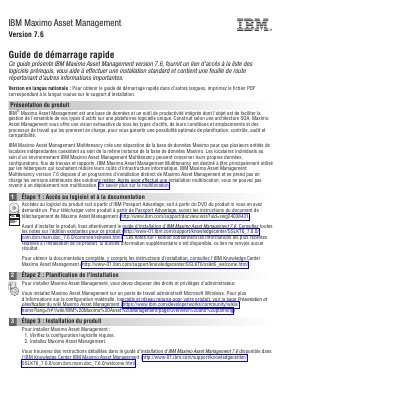
This French quick start guide presents IBM Maximo Asset Management version 7.6. It gives a link to the list of prerequisite software, walks through a standard installation, and ends with a roadmap of further information sources. It also describes IBM Maximo Asset Management Multitenancy, which separates the Maximo database so that several independent tenant entities can coexist in the same database instance.
The guide is organized in three steps: accessing the software and documentation (from IBM Passport Advantage or the product DVD), planning the installation (administrator rights and a Microsoft Windows administrative workstation), and installing the product. A final page lists additional resources such as the IBM Knowledge Center, product support, and IBM user communities. This manual is written in French.
| Product version | 7.6 |
|---|---|
| Software architecture | SOA |
| Installation workstation | Microsoft Windows administrative workstation |
| Required privileges | Administrator rights and privileges |
| Multitenancy installer | Separate installer from Maximo Asset Management |
C'est une base de données et un outil de productivité intégrés destinés à faciliter la gestion de tous les types d'actifs sur une plateforme logicielle unique.
Non. Après avoir effectué une installation multilocation, le retour à un déploiement non multilocation n'est pas possible.
Vous devez disposer des droits et privilèges d'administrateur.
Le logiciel est accessible à partir d'IBM Passport Advantage ou à partir du DVD du produit.