
IBM Workload Scheduler is the state-of-the-art production workload manager for distributed platforms, designed to help you meet your present and future data processing challenges. It is part of the IBM Workload Automation product family.
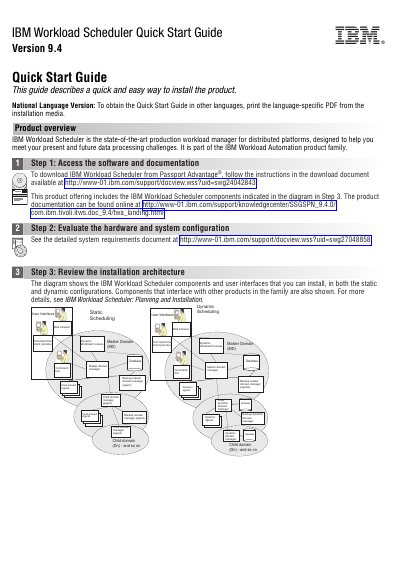
This Quick Start Guide describes a quick and easy way to install IBM Workload Scheduler Version 9.4. It walks through accessing the software and documentation, evaluating hardware and system configuration, and reviewing the installation architecture for static and dynamic scheduling.
The guide then covers planning the installation, installing and configuring the master domain manager, dynamic and static domain managers with their backups, and the optional Dynamic Workload Console and command-line client. It ends with pointers to the User's Guide and other product documentation.
| Product version | 9.4 |
|---|---|
| Supported RDBMS | DB2 or Oracle |
| Part number | CF4F7ML |
It is a production workload manager for distributed platforms and part of the IBM Workload Automation product family.
The guide states that RDBMS requirements are managed using a supported version of DB2 or Oracle, and with DB2 you can also install the bundled instance.
From Passport Advantage, following the instructions in the download document referenced in Step 1.
It is a master domain manager that you can switch to if there are problems with your current master domain manager; its use is not required.