
The IBM Maximo for Oil and Gas 7.6.1 Quick Start Guide introduces the product and provides software requirements, a standard installation, and links to other important information.
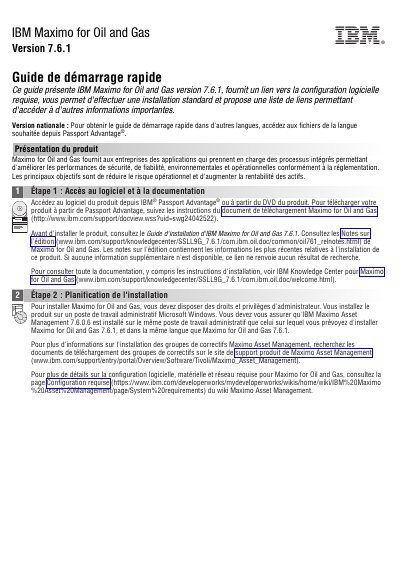
This document serves as a quick start guide for IBM Maximo for Oil and Gas version 7.6.1. It provides a link to the required software configuration, enables standard installation, and lists links to access other important information. The guide is available in various languages via Passport Advantage. This manual is written in French.
It provides applications that support integrated processes to improve operational, environmental, reliability, and safety performance according to regulations, with the goals of increasing asset profitability and reducing operational risk.
You must have administrator rights and privileges and install the product on a Microsoft Windows administrative workstation. Additionally, IBM Maximo Asset Management 7.6.0.6 must be installed on the same workstation and in the same language.