
Installation and setup guide for the SAN128B-6 switch.
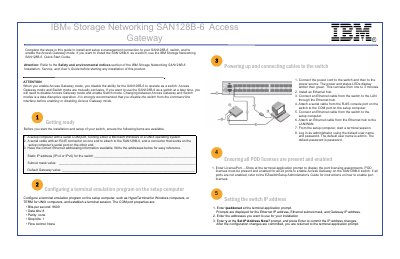
This guide covers installation and initial setup of the IBM SAN128B-6 switch in Access Gateway mode. It describes connecting power and Ethernet cables, configuring a terminal emulation program, and logging in with the default administrator credentials.
Access Gateway mode and Switch mode are mutually exclusive, and changing between them is data disruptive. The document also covers POD license verification, switch IP and password configuration, typical zoning, device selection, and connecting Fibre Channel devices.
| Port count | 24 ports |
|---|---|
| Console port type | RJ45 |
| Port type | Fibre Channel |
The default user name is admin and the default password is password.
No, Access Gateway mode and Switch mode are mutually exclusive.
All 24 ports must have POD licenses present and enabled.
Use 9600 bits per second, 8 data bits, no parity, 1 stop bit, and no flow control.