
IBM InfoSphere Classification Module automates decision making for a wide range of applications that require unstructured content to be categorized. It integrates with IBM FileNet P8, IBM Content Manager, and IBM Content Collector to enable advanced classification for content collection and archiving, records management, legal discovery, and other enterprise content management applications.
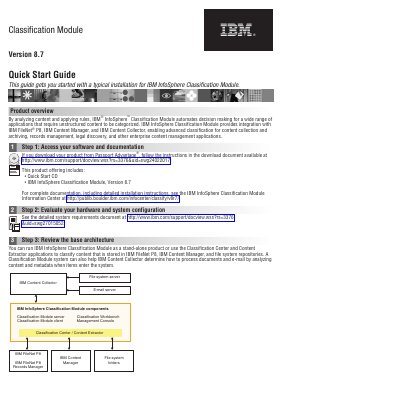
IBM InfoSphere Classification Module Version 8.7 automates decision making by analyzing content and applying rules. It integrates with IBM FileNet P8, IBM Content Manager, and IBM Content Collector for enterprise content management applications such as records management and legal discovery.
This Quick Start Guide covers a typical installation in five steps: accessing the software, evaluating hardware, reviewing base architecture, installing the module, and setting up classification for a repository.
It analyzes content and applies rules to automate decision making for categorizing unstructured content.
See the IBM InfoSphere Classification Module Information Center for detailed installation instructions.
IBM FileNet P8, IBM Content Manager, and file systems can be set up for automatic classification.