
The Tivoli® Provisioning Manager for OS Deployment 7.1. 1. 4 Quick Start Guide provides information about how to install and use Tivoli Provisioning Manager for OS Deployment.
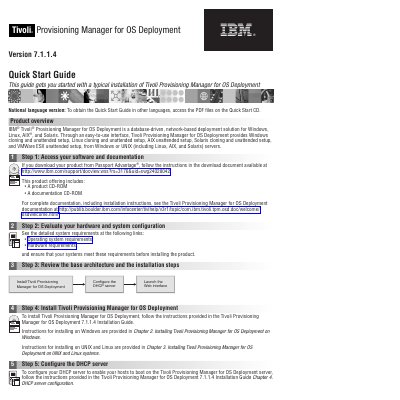
This Quick Start Guide describes version 7.1.1.4 of IBM Tivoli Provisioning Manager for OS Deployment, a database-driven, network-based deployment solution for Windows, Linux, AIX, and Solaris. It provides Windows and Linux cloning and unattended setup, AIX unattended setup, Solaris cloning and unattended setup, and VMWare ESX unattended setup from Windows or UNIX servers.
The guide walks through accessing software and documentation, evaluating hardware and system configuration, reviewing the base architecture, installing the product, configuring the DHCP server, and launching the web interface. It points to the Tivoli Provisioning Manager for OS Deployment 7.1.1.4 Installation Guide for installation and DHCP server configuration instructions.
| Deployment solution type | Database-driven, network-based |
|---|---|
| Supported operating systems | Windows, Linux, AIX, Solaris |
| Supported deployment functions | Windows cloning and unattended setup; Linux cloning and unattended setup; AIX unattended setup; Solaris cloning and unattended setup; VMWare ESX unattended setup |
| Product version | 7.1.1.4 |
| Web interface URL | http://localhost:8080 |
It supports Windows, Linux, AIX, and Solaris.
Open a web browser and go to http://localhost:8080. On Windows, you can also use Start > All programs > IBM Tivoli Provisioning Manager > web interface.
They are in the Tivoli Provisioning Manager for OS Deployment 7.1.1.4 Installation Guide, with Windows instructions in Chapter 2 and UNIX and Linux instructions in Chapter 3.
Review the detailed system requirements for operating system and hardware, and make sure your systems meet them before installing.