
The IBM Maximo Asset Management Scheduler 7.6.1 Quick Start Guide introduces the product's features and capabilities and provides a link to a list of prerequisite software. The guide walks users through a typical installation and provides a roadmap to other important information.
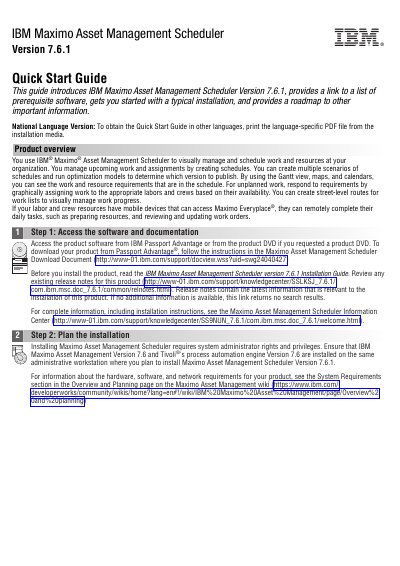
This two-page quick start guide introduces IBM Maximo Asset Management Scheduler Version 7.6.1. It explains what the product is used for: visually managing and scheduling work and resources through schedules, running optimization models on multiple schedule scenarios, and viewing work and resource requirements in Gantt views, maps and calendars. Unplanned work can be assigned graphically to labors and crews, street-level routes can be created for work lists, and resources with mobile devices that access Maximo Everyplace can complete daily tasks remotely.
The rest of the guide walks through getting started in three steps: accessing the software and documentation from IBM Passport Advantage or the product DVD, planning the installation (system administrator rights, IBM Maximo Asset Management Version 7.6 and Tivoli's process automation engine Version 7.6 on the same administrative workstation), and installing the product, including deploying Enterprise Application Archive (EAR) files for Oracle WebLogic Server environments. It also points to release notes, the Installation Guide, the Information Center and a note on obtaining the guide in other languages.
| Product version | 7.6.1 |
|---|---|
| Required IBM Maximo Asset Management version | Version 7.6 |
| Required process automation engine | Tivoli process automation engine Version 7.6 |
| WebLogic environment requirement | Deploy the Enterprise Application Archive (EAR) files |
It is used to visually manage and schedule work and resources at your organization. You manage upcoming work and assignments by creating schedules.
IBM Maximo Asset Management Version 7.6 and Tivoli's process automation engine Version 7.6 must be installed on the same administrative workstation.
For Oracle WebLogic Server environments only, you must deploy the Enterprise Application Archive (EAR) files. In IBM WebSphere Application Server environments the EAR files are installed with the process automation engine.
Print the language-specific PDF file from the installation media.