
IBM Cognos Business Intelligence Analysis is a web-based product for exploring, analyzing, and comparing dimensional data within large data sources.
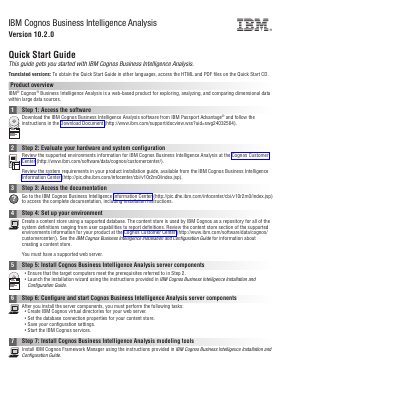
This guide provides step-by-step instructions to get started with IBM Cognos Business Intelligence Analysis, a web-based product for exploring and analyzing dimensional data. It covers downloading the software, reviewing system requirements, accessing documentation, setting up the environment, and installing server components and modeling tools.
The document outlines eight steps: accessing the software via IBM Passport Advantage, evaluating hardware and system configuration, accessing the Information Center, creating a content store, installing server components, configuring and starting services, installing Framework Manager, and adding optional components such as product samples and translated documentation.
| Version | 10.2.0 |
|---|
The software can be downloaded from IBM Passport Advantage.
Launch the installation wizard using the instructions in the IBM Cognos Business Intelligence Installation and Configuration Guide.
Product samples and translated product documentation with additional language fonts are available as optional components.