
IBM Netcool Network Management V9.2 provides network discovery and event and network management, including identification and resolution of root-causes, system, network and service failures, and configuration management capabilities for network devices.
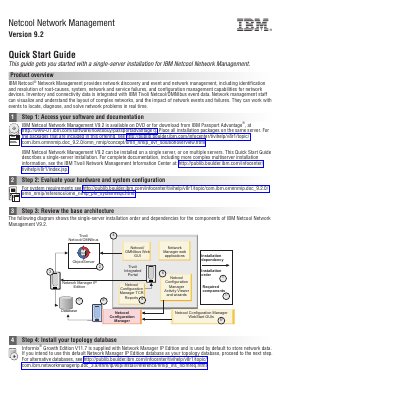
This two-page Quick Start Guide from IBM walks through a single-server installation of IBM Netcool Network Management Version 9.2. It opens with a product overview describing network discovery, event and network management, root-cause identification, and configuration management for network devices, with inventory and connectivity data integrated with IBM Tivoli Netcool/OMNIbus event data.
The guide is organized as seven numbered steps: accessing software and documentation, evaluating hardware and system configuration, reviewing the base architecture, installing the topology database, installing and integrating the products, installing additional probe and gateway components, and configuring the installation. Each step points to IBM Information Center pages for the detailed instructions, and a closing section lists support resources.
| Product version | 9.2 |
|---|---|
| Installation covered | Single server |
| Default topology database | Informix Growth Edition V11.7 |
| Network Manager component version | IBM Tivoli Network Manager IP Edition Version 3.9 |
| Event management component version | IBM Tivoli Netcool/OMNIbus Version 7.4 |
| Configuration management component version | IBM Tivoli Netcool Configuration Manager Version 6.4 |
It provides network discovery and event and network management, including identification and resolution of root causes of system, network and service failures, plus configuration management for network devices.
It is available on DVD or for download from IBM Passport Advantage. All installation packages should be placed on the same server.
Informix Growth Edition V11.7 is supplied with Network Manager IP Edition and is used by default to store network data.
No. This Quick Start Guide describes a single-server installation; multiserver installation information is in the IBM Tivoli Network Management Information Center.