
IBM Tivoli Storage Productivity Center V5.1 provides a set of policy-driven automated tools for managing storage capacity, availability, events, performance and assets in your enterprise environment.
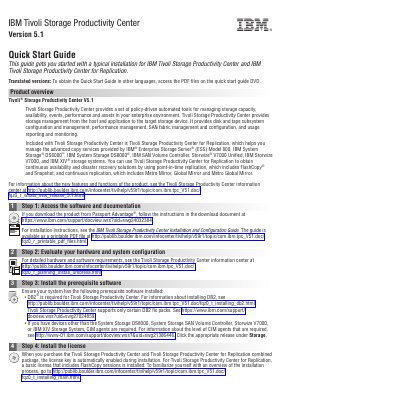
This guide helps users install and configure IBM Tivoli Storage Productivity Center Version 5.1, including its replication component. It covers steps such as accessing software, evaluating hardware, installing prerequisite software, and applying licenses. The guide references additional documentation and support resources for detailed installation and planning.
The product manages storage capacity, availability, performance, and assets across enterprise environments, supporting various IBM storage systems including DS8000, Storwize V7000, and XIV. It includes tools for SAN fabric management, disk and tape configuration, and replication services like FlashCopy and Metro Mirror.
It provides policy-driven automated tools for managing storage capacity, availability, events, performance, and assets.
DB2 is required for Tivoli Storage Productivity Center.
It includes FlashCopy and Snapshot.
A basic license that includes FlashCopy sessions is installed.