
IBM® OMEGAMON® Monitoring Agents on z/OS® is a suite of products that you can run with the commonly shared components of Tivoli® Management Services. These agents monitor and manage system and network applications to track the availability and performance of systems and resources in your enterprise. The Tivoli Enterprise Portal user interface offers expert advice on alerts and corrective actions from one or more designated workstations. The OMEGAMON enhanced 3270 user interface provides predefined workspaces that you can use to monitor the performance of the z/OS systems, applications, and devices in your environment.
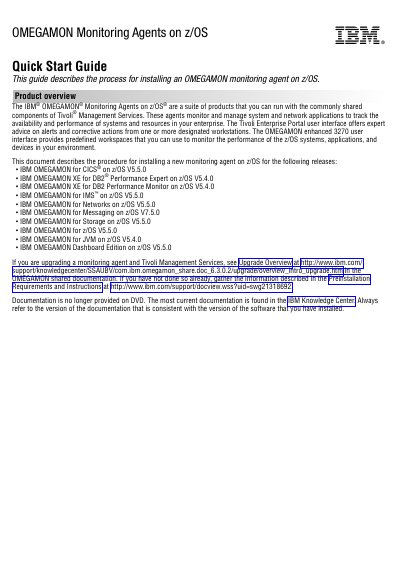
This guide outlines the steps to install OMEGAMON monitoring agents on z/OS. It covers prerequisites like Tivoli Management Services and lists specific agent versions supported. The installation process involves planning component locations, configuring z/OS components, and installing distributed IBM Tivoli Monitoring components.
The guide also details product contents including FMIDs, CDs, DVDs, and application support files. It references IBM Knowledge Center documentation and provides URLs for additional resources, including fix packs and program directories.
They monitor and manage system and network applications to track the availability and performance of systems and resources in your enterprise.
Tivoli Management Services on z/OS V6.3.0 Fix Pack 6 or above is a prerequisite for these agents.
The first step is to plan the locations of the hub and remote Tivoli Enterprise Monitoring Servers, the Tivoli Enterprise Portal Server if applicable, and the OMEGAMON enhanced 3270 user interface, and decide which agents to install.