
IBM Security Access Manager for Web provides an integrated security management platform for authentication services, access control, authorization services, identity mapping, Web single sign-on, entitlements, and audit services across the enterprise resources.
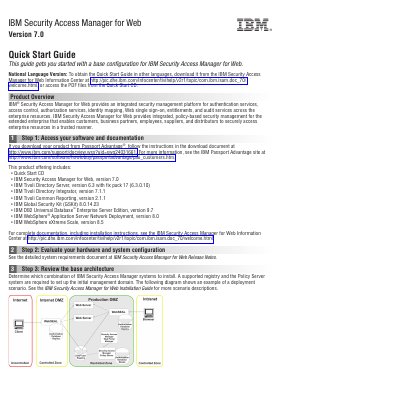
The IBM Security Access Manager for Web Version 7.0 Quick Start Guide describes a base configuration for IBM Security Access Manager for Web. It introduces the product as an integrated security management platform for authentication, access control, authorization, identity mapping, Web single sign-on, entitlements, and audit services.
The guide lists nine steps, from accessing software and documentation and evaluating hardware and system configuration to setting up a registry, installing and configuring the policy server and other base components, Web security systems, distributed sessions management, and enabling SSL security. It points to the Information Center, Installation Guide, Release Notes, and IBM support resources for more information.
| IBM Tivoli Directory Server | Version 6.3 with fix pack 17 (6.3.0.10) |
|---|---|
| IBM Tivoli Directory Integrator | Version 7.1.1 |
| IBM Tivoli Common Reporting | Version 2.1.1 |
| IBM DB2 Universal Database Enterprise Server Edition | Version 9.7 |
| IBM WebSphere Application Server Network Deployment | Version 8.0 |
| IBM WebSphere eXtreme Scale | Version 8.5 |
It provides an integrated security management platform for authentication services, access control, authorization services, identity mapping, Web single sign-on, entitlements, and audit services.
A supported registry and the Policy Server system are required to set up the initial management domain.
The guide points to the IBM Security Access Manager for Web Information Center for complete documentation, including installation instructions.
Step 9 covers enabling Secure Sockets Layer (SSL) security communication.