
IBM® Tivoli® Workload Scheduler is the state-of-the-art production workload manager for distributed platforms, designed to help you meet your present and future data processing challenges. It is part of the Tivoli Workload Automation product family.
This IBM Quick Start Guide for Tivoli Workload Scheduler Version 9.2 describes a quick and easy way to install the product, which is a production workload manager for distributed platforms and part of the Tivoli Workload Automation product family. It walks through six steps: accessing the software and documentation, evaluating hardware and system configuration, reviewing the installation architecture, planning the installation, installing and configuring components, and getting started.
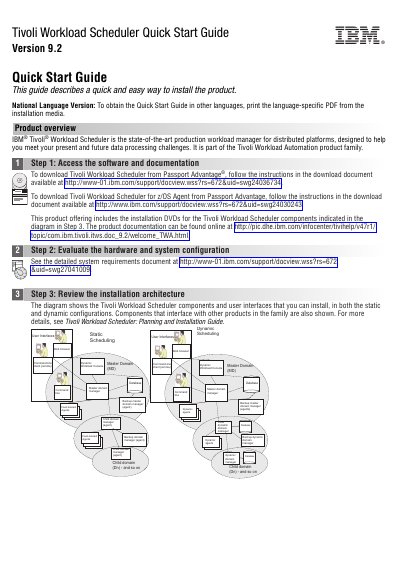
The guide explains where to download the product from Passport Advantage, how to divide the network into domains, how to handle RDBMS requirements with DB2 or Oracle, and how to choose between static and dynamic scheduling. It also describes which agents to install (dynamic agents or fault-tolerant agents) and the extra components needed for the Dynamic Workload Console and the command line client, and it points to the Planning and Installation Guide, the User's Guide and Reference, and the dynamic scheduling guide for details.
| Version | 9.2 |
|---|---|
| Product family | Tivoli Workload Automation |
| Supported RDBMS | DB2 or Oracle |
| Agents for dynamic scheduling | Dynamic agents |
| Agents for static scheduling | Fault-tolerant agents |
| Part number | CF43NML |
It can be downloaded from Passport Advantage by following the instructions in the download document linked in Step 1.
A supported version of DB2 or Oracle; with DB2 you can also choose to install the bundled instance.
No. A backup is a master domain manager you can switch to if there are problems, but its use is not required.
The command line client, which is automatically installed with the master domain manager.